How Do I Remove an Attachment?
If you need to remove an attachment, you will need to submit a request to the primary reviewer.
-
Click on the three dot menu on the far right of the file attachment table, and select "Request to Remove Attachment."
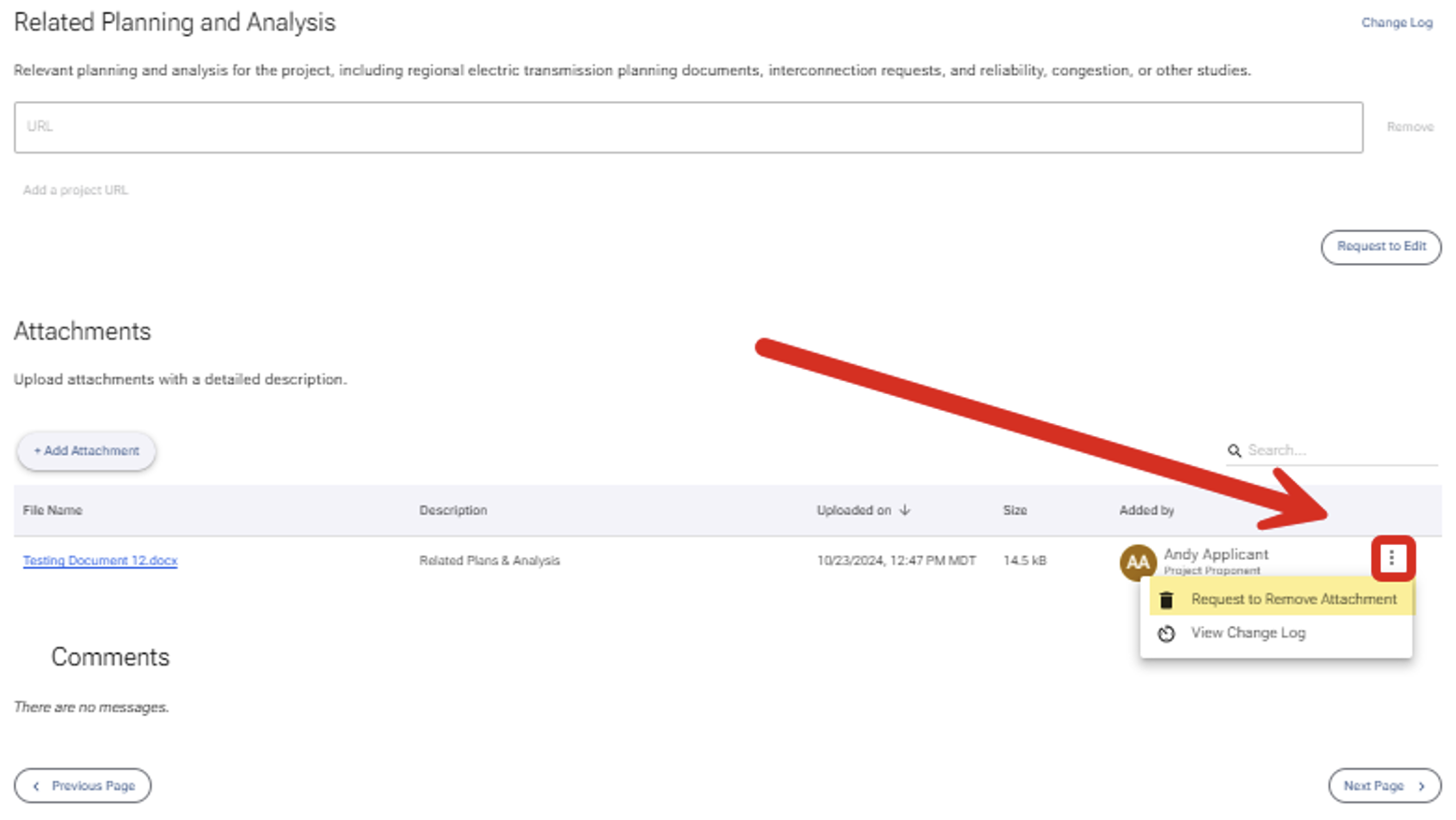
- When a modal appears, note a brief reason for the request and click the "Request to Remove button."
- Your request will be processed by the primary reviewer.
- If the request to remove is approved, the file will be removed from the database and the request to remove will be recorded in the project record.
