Sign In to the CITAP Portal
CITAP.gov uses OneID for authentication. When you're on OneID's authentication portal, you can select the authentication method you prefer, including PIV Card, DOE PIV-D, ID.me, and Login.gov.
- Navigate to https://citap.gov/.
- Click the “Sign In” button in the upper right corner.
-
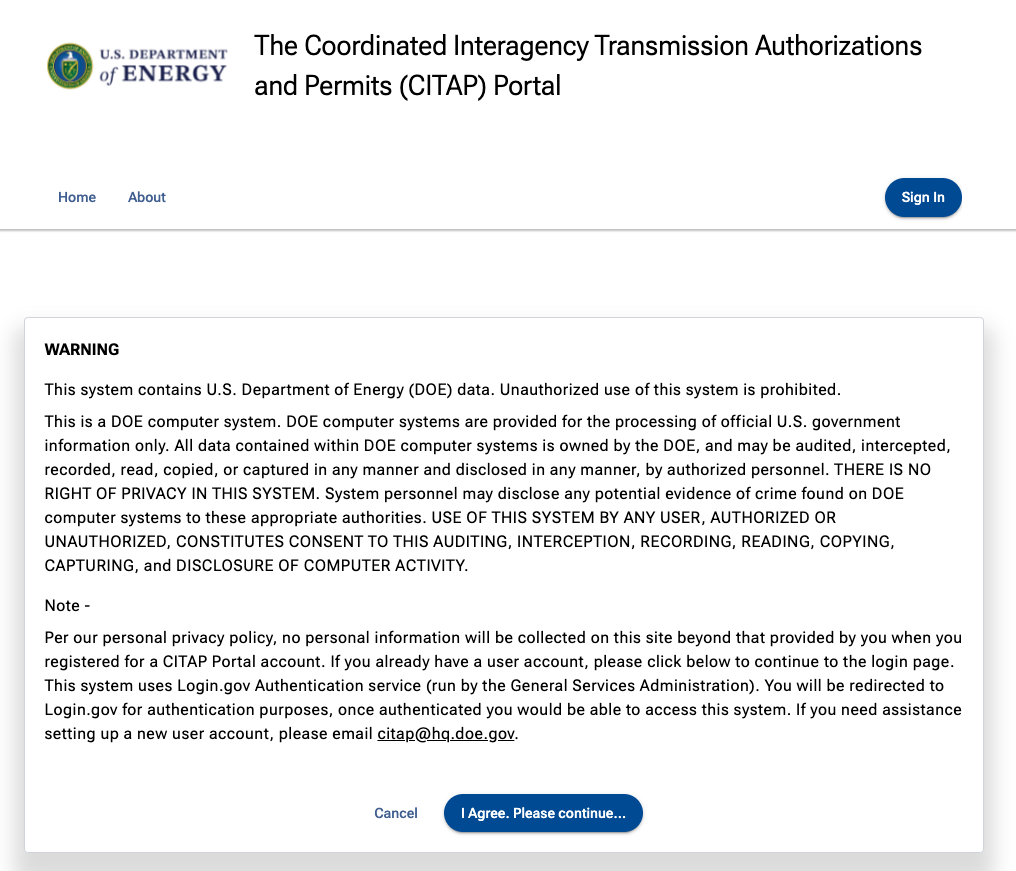
On the disclosure screen read the warning click “I Agree. Please continue..."
- Because CITAP users come from many branches of government, the CITAP portal provides a few different ways to log in with secure, verified access.

- Some agencies support the use of PIV cards in this platform. Hover over the PIV Card tile to see the list of accepted agencies. If your are unable to use a PIV card, we recommend using Login.gov or ID.me.
Troubleshooting Login.gov:
At any point during the sign up process with Login.gov, if you experience an error, the quickest way to get support is through https://www.login.gov/contact/.