How Do I Change My Login.gov Email?
If you need to change the work email address associated with your Login.gov account, follow the steps below.
Note: Do not remove your personal email from Login.gov, as it is intrinsically connected to you as a person not you as an employee.
- From the Login.gov portal, log in at the top right.
- Once logged in, go to the “Your Account” page.
-
Scroll to the "Email preferences" section and delete the work email you wish to replace. (Note that your personal email will always be the primary email tied to Login.gov, so do not delete your personal email.)
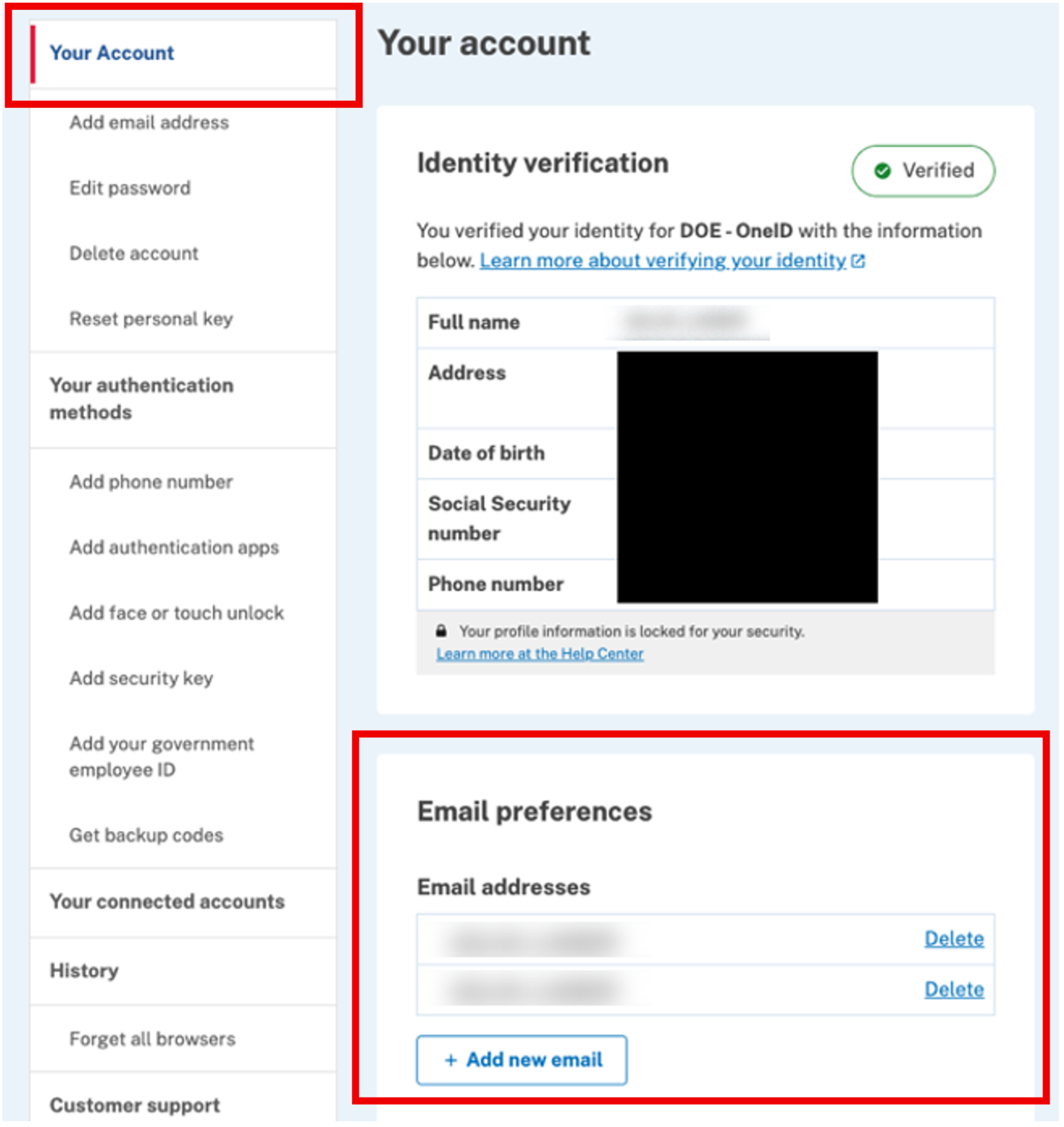
- Click "Add new email" and enter your new work email.
- Follow the prompts to verify your email. (Check your work email inbox for verification prompt.)
